


What This Covers
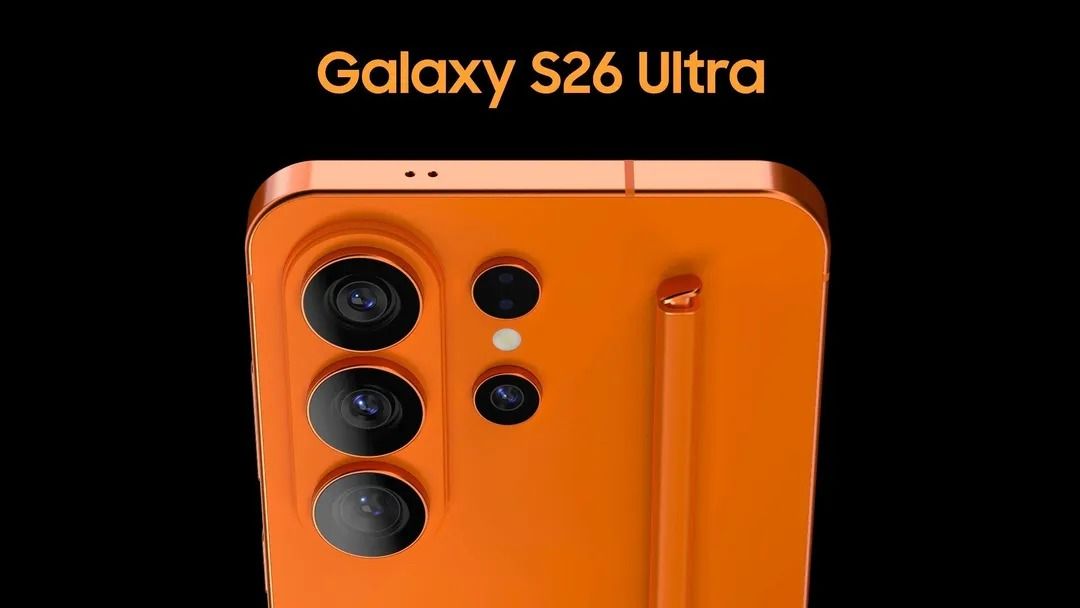
This section discusses a new feature called Privacy Display that may soon be available in Samsung’s upcoming Galaxy S26 lineup. This feature aims to enhance privacy while using your phone in public spaces by blocking the screen at certain angles, making it harder for others to see your display.
Why It’s Useful
Privacy Display can help protect sensitive information from being viewed by onlookers, especially in crowded places. By dimming the screen when looked at from specific angles, users can feel more secure while checking messages or browsing content. This can be especially beneficial for maintaining privacy in situations like public transport or when waiting in lines.
What to Know Before You Try
The feature is expected to be part of the settings in the Galaxy S26’s Display section, allowing users to easily enable or disable it. There may also be options to set automatic triggers based on the app you are using or notifications received. However, it appears that this feature may be exclusive to the higher-end models, like the S26 Ultra.
Helpful Tips & Takeaways
- Look for the Privacy Display option in the Display settings of your Galaxy S26.
- Utilize the Quick Settings toggle for fast access to enable or disable the feature.
- Consider setting automatic triggers for better convenience while on the go.
- Stay informed about updates, as features may roll out over time to other models.
Final Thought
The introduction of Privacy Display is a positive development for enhancing user privacy in public settings. As new phone models are released, features like this can play a vital role in how we safely use our devices in everyday life.
Explore More
Explore more: See all Reviews & Guides
Browse our favorites: Cozy Corner Creator Picks
Need more help? Explore our Digital Guides
This article was written and reviewed by the Cozy Corner Daily editorial team.
Read our editorial guidelines.
Source: Original reference