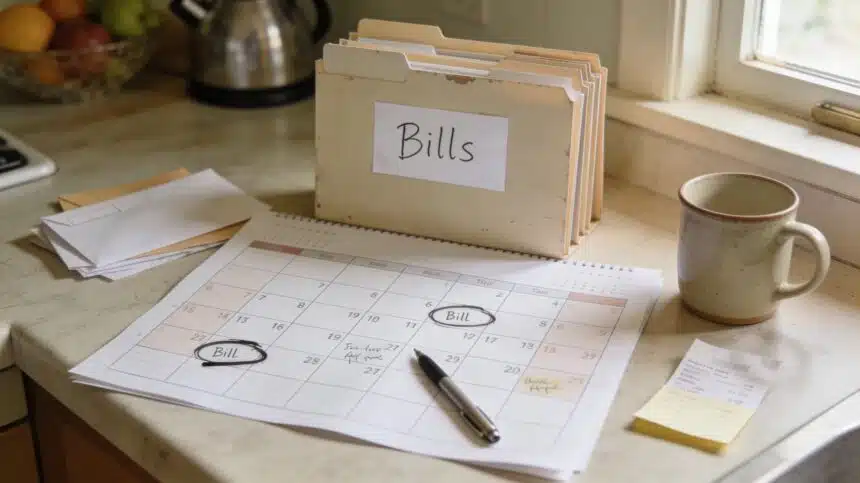
Bills Calendar System That Stops Late Fees (Even When Life Is Chaos)
Late fees are the most annoying tax on being tired.
- Why bills feel harder than they should
- The goal of this system
- The system in one sentence
- Step 1: Make your “Bills List” (10 minutes)
- Step 2: Choose your calendar format (pick ONE)
- Step 3: Put every bill on the calendar
- Step 4: Pick two bill-pay days (this changes everything)
- Step 5: Decide what should be autopay and what should be manual
- Step 6: Create a “Bills Buffer” line, even if it’s tiny
- Step 7: Use reminders that actually get your attention
- Step 8: Do the “Sunday money check” (10 minutes)
- Do this today (20 minutes)
- Want a simple printable?
- FAQ
- Bottom line
Like, you didn’t forget because you’re irresponsible. You forgot because you’re juggling 40 things and your brain can only hold so much. Then the bill hits. Then the fee hits. Then you’re mad at yourself even though the whole system is kind of set up to punish normal humans.
If you’ve ever said, “I swear I just paid that,” or “how is it due again already?” this post is for you.
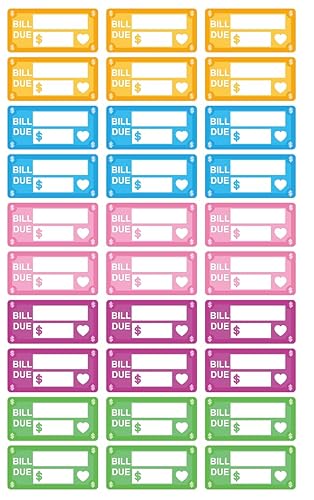




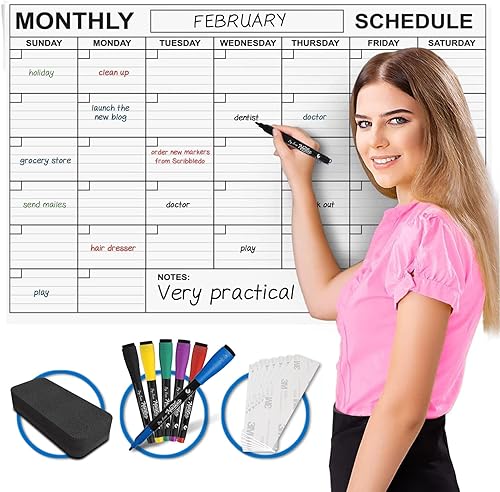

This is the bills calendar system we use to stop late fees and “surprise” due dates. It’s simple, it’s repeatable, and it doesn’t require you to become a spreadsheet person overnight.
And if you haven’t done the big picture “where is my money going?” check yet, do that too. Bills chaos gets 10x worse when money is leaking in the background. Start here: where does my money go? find budget leaks.
Why bills feel harder than they should
Bills are not just math. Bills are timing.
Most people don’t struggle because they can’t pay anything. They struggle because the due dates are scattered, the money comes in on different days, autopay hits at the worst time, and one missed bill can kick off fees that mess up the whole month.
Also, some bills love to change. Electric bills fluctuate. Water bills surprise you. Subscription renewals sneak in when you forgot they existed. If you suspect subscriptions are part of your problem, this post is the “oh wow” moment: I found $127/month in subscriptions I forgot I had.
The goal of this system
The goal is not “pay everything early and be perfect.”
The goal is:
- Know what’s due and when
- Pay bills in a predictable rhythm
- Stop late fees and overdrafts
- Stop the constant mental load of remembering
The system in one sentence
Put all bills on one calendar, then pay bills on two set days each month.
That’s the core. Everything else supports that.
Step 1: Make your “Bills List” (10 minutes)
Open a notes app or grab paper. Write every bill you pay, even if it’s small.
For each bill, write:
- Bill name
- Due date
- Typical amount (estimate is fine)
- How it’s paid (autopay, manual, card, bank)
Include:
- Rent or mortgage
- Electric, water, gas
- Internet and phone
- Insurance
- Car payment
- Credit cards
- Streaming and subscriptions
- School, childcare, memberships
If this feels overwhelming, that’s a sign you really need a system. Overwhelm is not a moral failure. It’s a load issue.
Step 2: Choose your calendar format (pick ONE)
You can do this with any format. What matters is that you actually look at it.
Option A: Paper calendar
Great if you like seeing it on the wall or fridge.
Option B: Phone calendar
Great if paper disappears into piles.
Option C: Hybrid
Paper for visibility, phone reminders for backup. This is my favorite for busy families.
Step 3: Put every bill on the calendar
Now the magic part. Put every due date on the calendar for the month.
Use a simple code:
- B = bill due
- AP = autopay bill
- M = manual pay bill
Example: “B: Electric (AP)” on the 14th.
You’re not doing this to decorate your calendar. You’re doing it so bills stop being invisible.
Step 4: Pick two bill-pay days (this changes everything)
This is the part most people skip, and it’s the part that stops the chaos.
Pick two days each month where you pay bills on purpose.
Most common options:
- 1st and 15th
- 5th and 20th
- Payday and the next payday
On those two days, you pay the bills due before the next bill-pay day.
That means you are not paying bills randomly throughout the month. You’re paying them in batches.
Why this works: it reduces decision fatigue. Your brain learns “Bills get handled on these days.” Less stress, fewer misses.
Step 5: Decide what should be autopay and what should be manual
Autopay is convenient, but it can also be dangerous if your balance swings.
Here’s a simple rule:
- Autopay bills that are stable and predictable (internet, insurance, subscriptions you actually want)
- Manual pay bills that vary or could overdraft you (electric, water, credit cards if you’re tight)
If you’re trying to lower utility bills, don’t skip these internal reads because they actually connect money habits to real outcomes:
Step 6: Create a “Bills Buffer” line, even if it’s tiny
This is the secret to preventing overdrafts.
Pick a small buffer amount you try to keep in your account. It can be $25. It can be $50. It can be $100. The amount matters less than the habit.
When your account hits the buffer, you pause spending until bills are covered.
If your spending feels like it runs away from you (especially online), this post helps stop the bleeding: Amazon spending out of control? how to stop.
Step 7: Use reminders that actually get your attention
Most people set reminders and still ignore them because the reminder is vague.
Make reminders specific:
- “Pay internet bill today (10 min)”
- “Pay credit card minimum today”
- “Bills day: open calendar + pay batch”
Also, set reminders 2 days before due dates for manual bills. Not on the due date. On the due date is too late for normal life.
Step 8: Do the “Sunday money check” (10 minutes)
Pick one day each week for a quick money check. Mine is usually Sunday because it sets up the week.
Check:
- What bills are due this week?
- Is autopay hitting this week?
- Do we need to pause non-essential spending?
This one habit prevents 80 percent of “oh no” moments.
Do this today (20 minutes)
- Write your bills list.
- Put due dates on your calendar for this month.
- Choose two bill-pay days.
- Set 2-day-early reminders for manual bills.
- Pick a small bills buffer amount.
Want a simple printable?
If you want a basic place to keep this system (bills list + monthly view), you can point people to your subscribe page for the free download. Use this link: https://cozycornerdaily.com/subscribe/.
Also, if your home feels chaotic and that chaos is making money harder, your 1-page reset freebie is a great companion: Busy House Reset Checklist.
FAQ
What if my income is uneven?
Still works. Use bill-pay days tied to paydays. Pay the next batch first, then move to groceries and life expenses. The calendar keeps you from guessing.
What if I have too many bills to remember?
That’s exactly why the list + calendar matters. Your brain is not built to be a billing database.
What if I’m already behind?
Start with the next 2 weeks. Don’t try to rebuild the whole month perfectly. Catch the next due dates and stabilize from there.
Bottom line
A bills calendar doesn’t just stop late fees. It stops that constant background stress. Two bill-pay days, clear reminders, and one place where everything lives. That’s the system.
If you want a structured plan rather than individual tips, The Family Budget Reset ($22) is a 30-day framework for identifying exactly where the money is going and reassigning it — built specifically for families, not single earners.
For books and tools that go deeper on this topic, Amazon has a solid selection worth browsing.